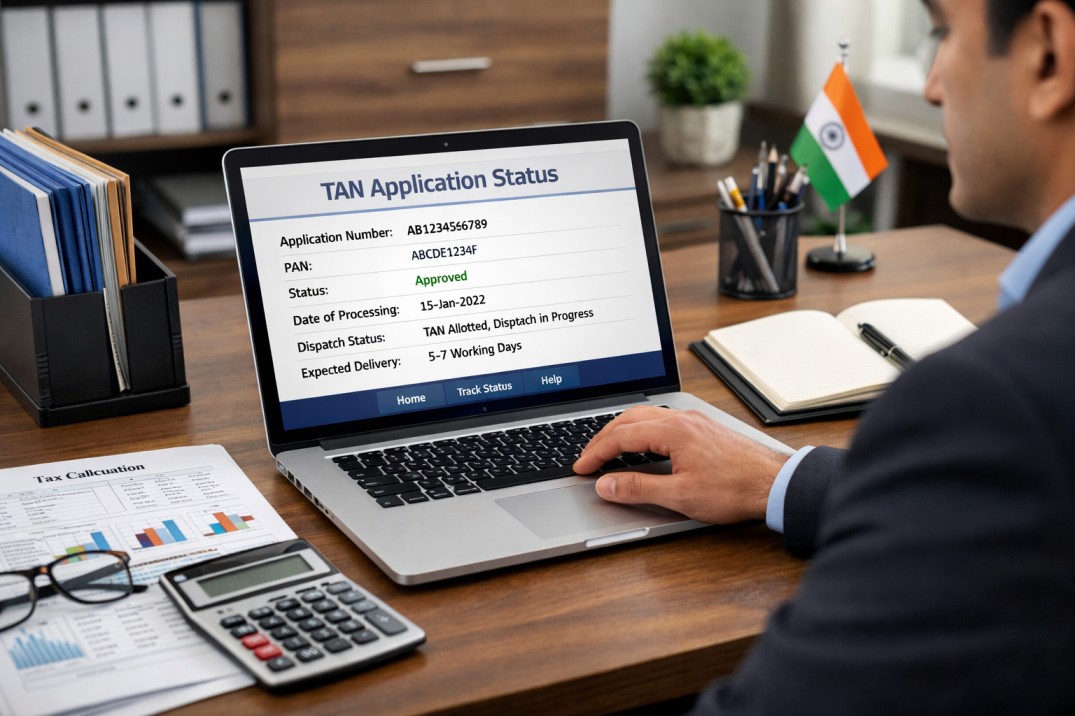
Businesses and organizations that deduct tax at source must obtain a Tax Deduction and Collection Account Number (TAN). After submitting the application, many applicants want to know whether their request has been approved or is still under process. Tracking the tax deduction account number application progress helps applicants stay updated and avoid unnecessary delays. If you need assistance with tax registration or compliance, you can explore professional support through the services offered by Vivek Tiwari & Co.
Understanding how to check the tan application status is important for businesses that want to ensure their tax-related processes move smoothly.
What Is TAN and Why Is It Important?
TAN stands for Tax Deduction and Collection Account Number. It is a 10-digit alphanumeric number issued by the Income Tax Department of India.
This number is mandatory for businesses or individuals who are responsible for deducting or collecting tax at source. Without it, organizations cannot file TDS returns or comply with tax deduction rules.
Some common situations where TAN is required include:
- Deducting TDS on employee salaries
- Deducting tax on contractor payments
- Filing TDS returns with the Income Tax Department
- Depositing TDS with the government
Failure to obtain TAN can lead to penalties and compliance issues.
How to Check the Application Progress Online
Once you apply for TAN through the official portal, you can easily track the tan application status online. The process is simple and only takes a few minutes.
Step-by-Step Process
- Visit the official NSDL or Income Tax Department website.
- Look for the TAN application tracking option.
- Enter the acknowledgement number provided during application submission.
- Provide the required verification details.
- Click on the submit button to view the current status.
The system will display whether the application is under processing, approved, or dispatched.
Information Required for Tracking
When checking the progress of your application, you may need the following details:
- Acknowledgement number
- Applicant name or company name
- Contact details used during the application
- Date of application submission
Keeping these details ready helps make the tracking process faster and easier.
Common Reasons for Application Delays
Sometimes the application process may take longer than expected. Several factors can cause delays.
Some common reasons include:
Incorrect Information
Entering incorrect details such as name, address, or PAN can slow down the verification process.
Incomplete Documentation
Missing documents or incorrect attachments may require resubmission.
High Processing Volume
During peak filing seasons, processing time may increase due to large numbers of applications.
Verification Issues
If the information does not match government records, the application may require further review.
To avoid these problems, applicants should double-check all information before submitting the request.
Tips to Avoid Delays in TAN Registration
Following a few simple steps can help ensure faster approval of your application.
- Always verify PAN details before applying
- Provide accurate contact information
- Upload correct and complete documents
- Keep the acknowledgement number safely
- Monitor the application progress regularly
These steps help applicants stay informed and resolve issues quickly if they arise.
When Will You Receive Your TAN?
After successful verification, the Income Tax Department issues the TAN and sends confirmation to the applicant. The physical letter or digital confirmation usually arrives within 7 to 15 working days, depending on processing time. Once received, businesses can start using the number for TDS filing and other tax-related compliance activities. To manage financial records properly, it is also useful to understand the golden rules of accounting.
Once received, businesses can start using the number for TDS filing and tax compliance activities.
Conclusion
Tracking your tax registration progress helps businesses stay informed and prepared for upcoming compliance requirements. By regularly checking updates and ensuring accurate documentation, applicants can avoid delays and complete the process smoothly.
Professional assistance from experienced consultants like Vivek Tiwari & Co can help businesses handle tax registrations, documentation, and compliance procedures efficiently, ensuring that every step of the process is completed correctly.
FAQs
1. How can I check my TAN application progress?
You can check it online through the NSDL or Income Tax Department portal using your acknowledgement number.
2. How long does TAN approval usually take?
It generally takes around 7 to 15 working days, depending on verification and processing time.
3. What should I do if my application is rejected?
You should review the rejection reason, correct the information, and submit a fresh application if required.
4. Is TAN mandatory for all businesses?
TAN is mandatory for businesses or individuals responsible for deducting or collecting tax at source.
5. Can I apply for TAN online?
Yes, the application can be submitted online through the NSDL website or authorized government portals